

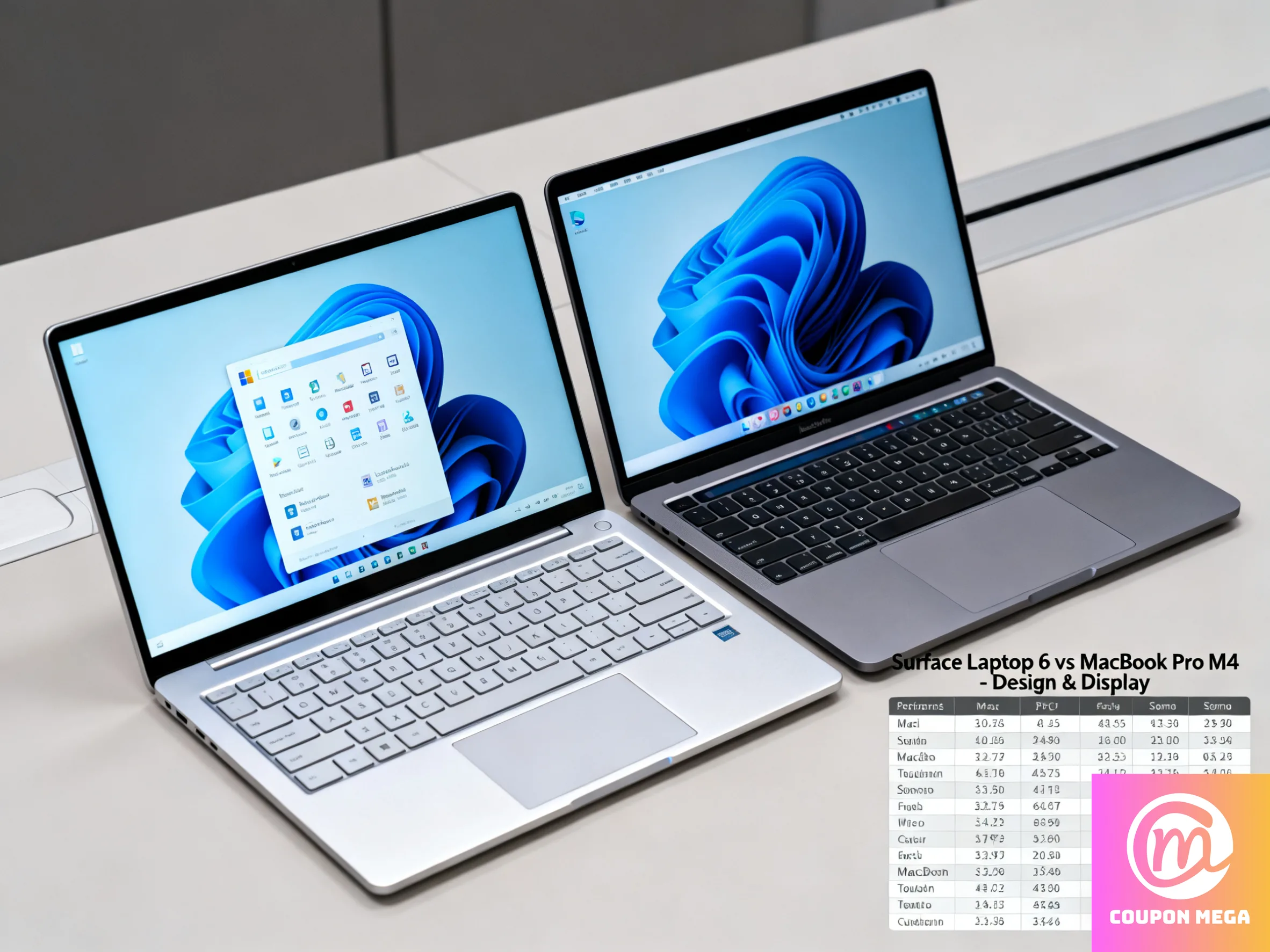
Microsoft Surface Laptop 6 vs MacBook Pro M4: Performance Face-Off (2025)
Introduction
If you’re in the market for a high-performance laptop in 2025, two of the most compelling options are the Surface Laptop 6 and the MacBook Pro M4. Both bring premium features, but they target slightly different users. This guide breaks down their performance, displays, battery life, and overall value to help you decide which one fits your needs.
Key Specifications Snapshot
| Spec | Surface Laptop 6 | MacBook Pro M4 |
|---|---|---|
| CPU / Processor Options | Intel Core Ultra 5 / Ultra 7 with built-in AI NPU | Apple M4 chip (with higher Pro and Max variants) |
| Memory & Storage | Up to 64 GB RAM; SSD options up to 1 TB (removable) | Unified memory up to 128 GB; storage up to multiple TBs |
| Display | 13.5-inch or 15-inch PixelSense touchscreen; 3:2 aspect ratio | Liquid Retina XDR (14-inch or 16-inch); HDR; ProMotion 120Hz |
| Battery Life | Around 18–19 hours typical use | Up to 24 hours on certain models |
| Weight | 13.5-inch ~3.0 lbs; 15-inch ~3.7 lbs | 14-inch ~3.5 lbs; 16-inch ~4.7 lbs |
| Special Features | Touchscreen, AI Boost NPU, Windows flexibility | Best-in-class display, silent cooling, macOS optimization |
Performance Comparison
CPU & Multitasking
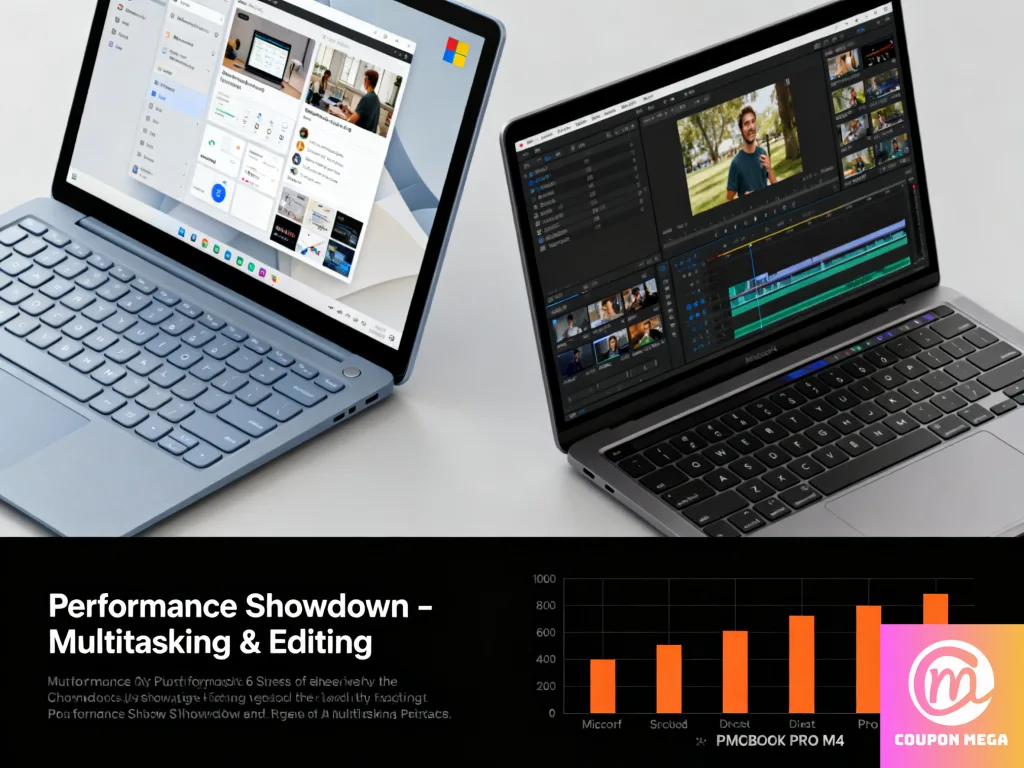
- MacBook Pro M4 handles heavy creative workloads, video editing, and compiling projects with ease. Its efficiency cores keep it cool and responsive even under load.
- Surface Laptop 6 is well-suited for productivity, office apps, multitasking, and moderate creative work, but it won’t match the sustained power of the M4 Pro or Max.
Graphics & Creative Tasks
- MacBook Pro M4 Pro/Max GPUs shine for rendering, 3D modeling, and professional editing.
- Surface Laptop 6 can handle lighter editing and design work but is not ideal for graphics-intensive projects.
Thermals & Noise
- The MacBook Pro M4 maintains performance with very little fan noise thanks to Apple Silicon efficiency.
- The Surface Laptop 6 may get warmer and louder during demanding tasks.
Display, Ecosystem & Usability
- Surface Laptop 6: Touchscreen with 3:2 aspect ratio, great for productivity and note-taking.
- MacBook Pro M4: One of the best laptop displays available, with stunning brightness, HDR, and 120Hz smoothness.
Software ecosystems:
- Surface excels for Windows users who need Microsoft Office, enterprise apps, or more hardware flexibility.
- MacBook Pro is perfect for creators using Final Cut Pro, Logic Pro, or anyone deeply integrated into Apple’s ecosystem.
Pros & Cons
| MacBook Pro M4 | Surface Laptop 6 |
|---|---|
| Pros: Top performance, amazing display, long battery life, quiet cooling | Touchscreen, lighter for its size, strong Windows integration, more affordable entry price |
| Cons: Higher starting price, no touchscreen, limited to macOS | Less powerful for heavy creative work, display not as advanced, shorter battery in real workloads |
Who Should Buy Which?
- Choose MacBook Pro M4 if… you’re a content creator, software developer, or professional needing the best performance, display, and long battery life.
- Choose Surface Laptop 6 if… you want a portable, touch-enabled Windows laptop that balances productivity, moderate creative use, and affordability.
Final Verdict
If raw power and display quality are your priorities, the MacBook Pro M4 is the clear winner. But if you value portability, touch input, and Windows flexibility at a lower cost, the Surface Laptop 6 is an excellent alternative.
For students and everyday professionals, Surface Laptop 6 offers great value. For demanding creators, the MacBook Pro M4 is worth the investment.
We write rarely, but only the best content.
