

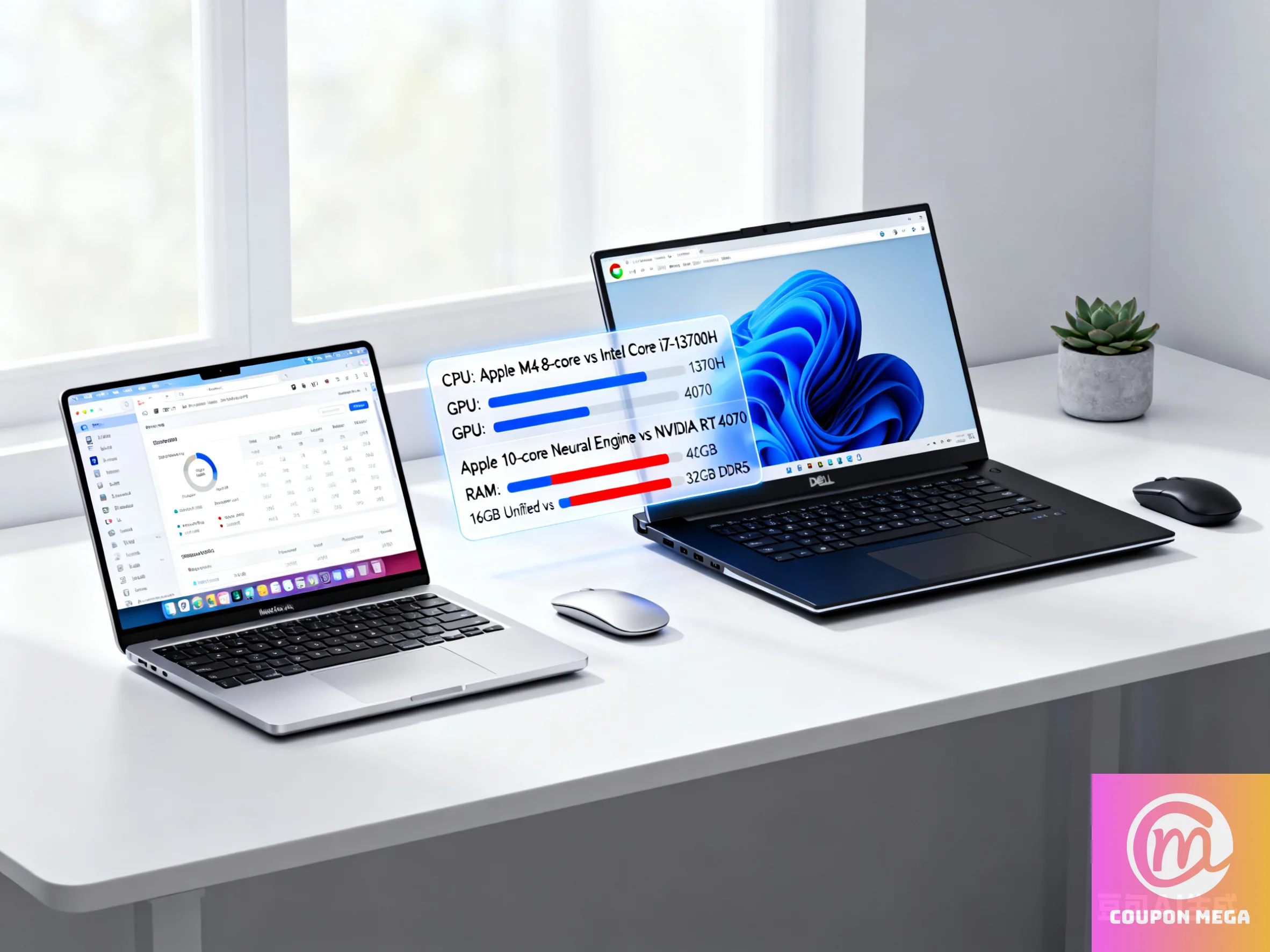
MacBook Air M4 vs Dell XPS 15: Performance Comparison in 2025
Introduction
If you’re shopping for a laptop in 2025 and performance matters, two names you’ll often see are Apple’s MacBook Air M4 and Dell’s XPS 15. They represent very different design philosophies: fanless efficiency vs more power with some compromises. This comparison will help you decide which suits you best based on what you use your laptop for—whether it’s creative work, casual use, gaming, or portability.
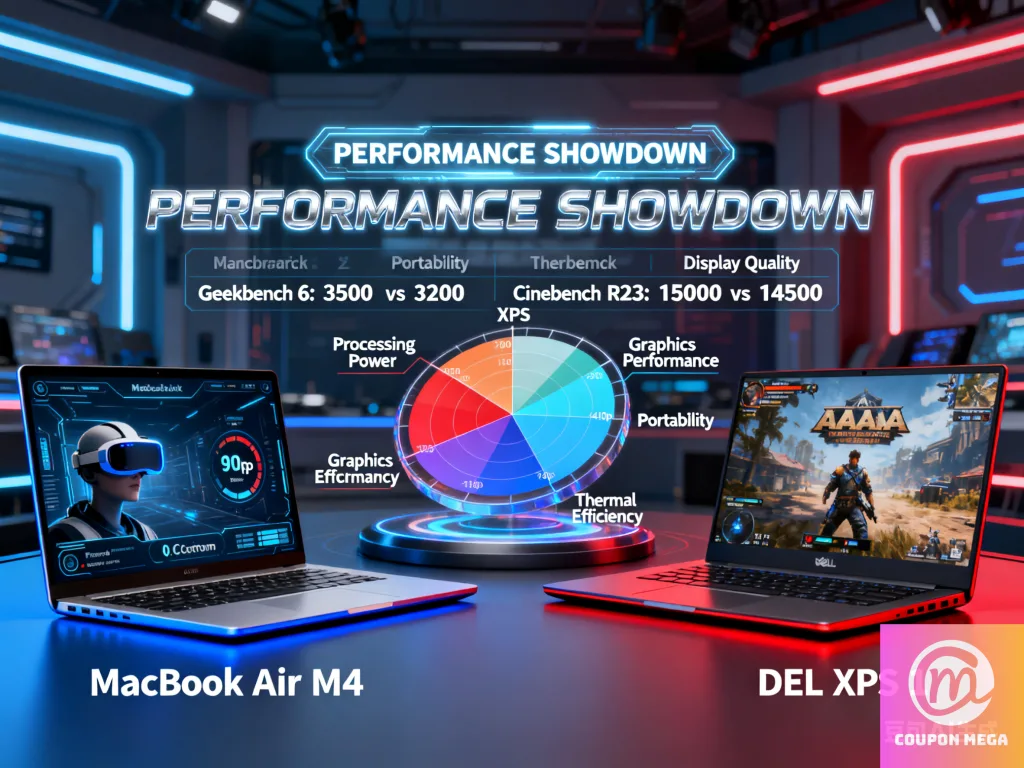
Key Specs Snapshot
Here are the baseline specs for both machines to set the stage:
| Feature | MacBook Air M4 | Dell XPS 15 (2023) |
|---|---|---|
| CPU | Apple M4 — 10-core (4 perf cores + 6 efficiency cores) Apple+2Macworld+2 | 13-th Gen Intel (i7-13700H / i9-13900H) PCWorld+2Dell+2 |
| GPU Options | Integrated 8-core GPU (configurable to 10-core) Apple+1 | Integrated + discrete options (RTX 4050 / 4060 / 4070) Dell+2PCWorld+2 |
| RAM | Starts at 16 GB unified memory, up to 32 GB Apple+2Macworld+2 | 16 GB–64 GB DDR5, depending on configuration Dell+2PCWorld+2 |
| Display | 13.6-inch / 15.3-inch Liquid Retina, up to 500 nits brightness Apple+2Apple+2 | 15.6-inch FHD+ or 3.5K OLED (touch or non-touch) display options Dell+2PCWorld+2 |
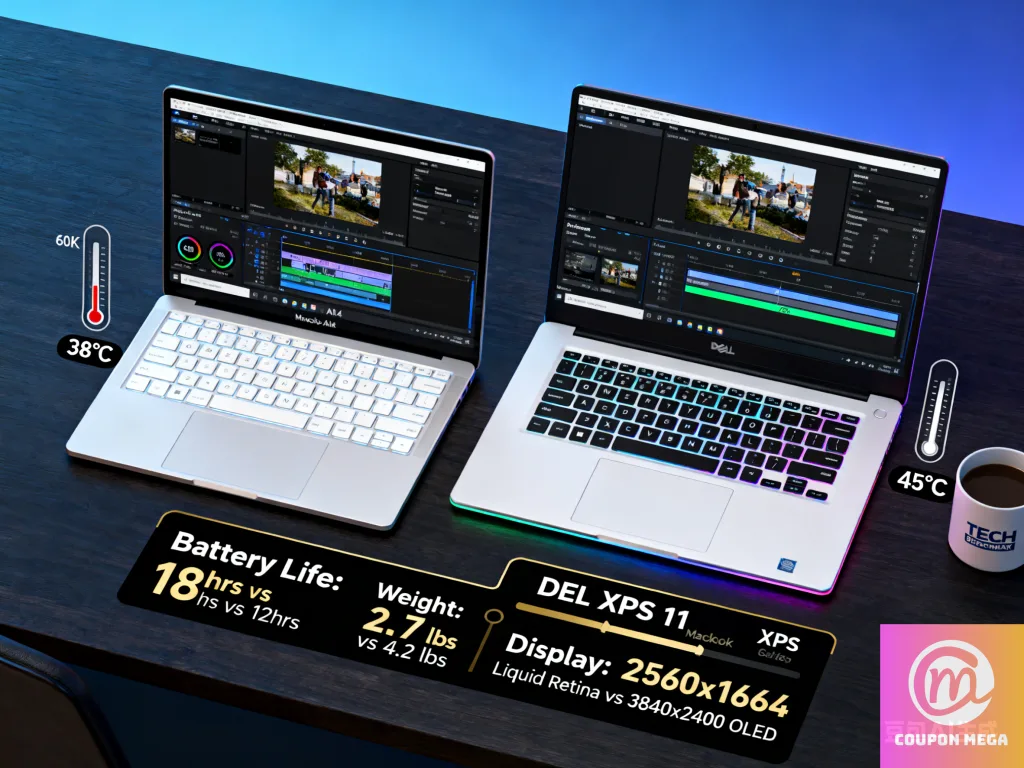
| Battery Life | ~18 hours video streaming; ~15 hours wireless web on lighter loads Apple+2SlashGear+2 | Around 8-9 hours in mixed usage with high spec (OLED/discrete GPU); less with heavier loads PCWorld+2RTINGS.com+2 |
| Weight & Portability | Very lightweight, fanless design, thin and easy to carry Macworld+2WIRED+2 | More substantial weight (~4.2 lbs for high specs) plus more heat under load Dell+2XDA Developers+2 |
Performance Comparisons
CPU & General Usage
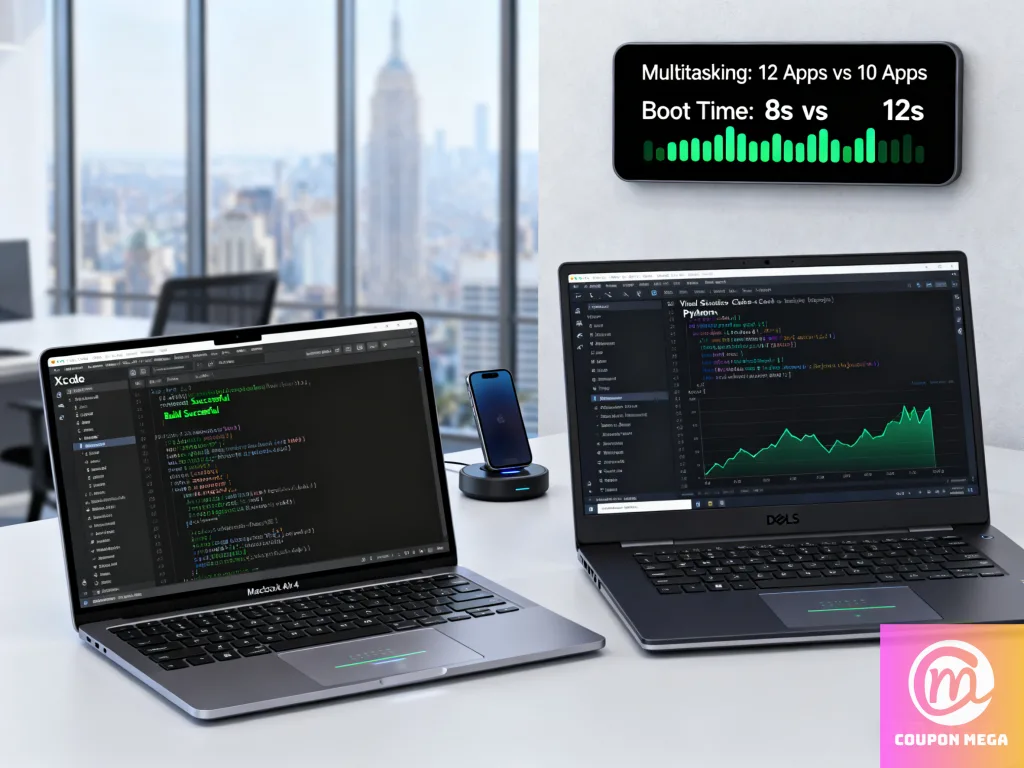
- The MacBook Air M4 shines in general productivity: web browsing, office apps, light creative work. Its efficiency cores and unified memory architecture mean snappier performance with less power draw.
- The Dell XPS 15, particularly in higher spec configurations (i7/i9 + discrete GPU), delivers stronger raw performance for CPU-heavy tasks like video encoding, rendering, and multitasking. If you push your laptop hard (for dev, media, data work), it likely has the edge.
GPU & Creative Work
- If GPU work is involved (editing videos, working in Adobe Premiere/After Effects, 3D modeling, gaming), XPS 15 with a discrete RTX 4050/4060/4070 is significantly more capable.
- The MacBook Air M4’s integrated GPU is very good for everyday visuals, light graphics work, and benefits from Apple’s optimized hardware + software. But it won’t compete with a dedicated GPU under sustained load.
Thermals & Sustained Performance
- MacBook Air M4 is fanless, meaning it’s silent and cool in light workloads, but under sustained heavy load (e.g., long video renders), it may throttle to maintain temperature. WIRED
- Dell XPS 15 has cooling systems, but with the discrete GPU and stronger CPU, it can get warm and louder under load. That’s the trade-off for more performance.
Battery Life & Portability
- If portability and long battery life are your priorities, MacBook Air M4 wins. Its efficiency and lighter design make it great for travelers, students, or anyone working on the go.
- The XPS 15 is less portable due to its size, weight, and fan noise when pushed. Battery life drops significantly if you use the OLED screen option or discrete GPU.
Use-Case Scenarios — Which One for What
Here are situations where one might be clearly better than the other:
| Use Case | Better Choice |
|---|---|
| Students, writers, daily browsing, travel | MacBook Air M4 |
| Video editors, content creators, developers | Dell XPS 15 (especially discrete GPU variant) |
| Portability matters more than raw power | MacBook Air M4 |
| Gaming, GPU intensive tasks | Dell XPS 15 |
| Long battery life with light tasks | MacBook Air M4 |
| External monitor setups and customization | XPS 15 offers more variety of ports and settings |
Pros & Cons
| MacBook Air M4 | Dell XPS 15 |
|---|---|
| Pros: Silent operation, excellent battery life, lighter weight, strong efficiency, Apple ecosystem integration. | Pros: Stronger GPU options, more performance headroom, better suited for creative/professional workloads that demand power. |
| Cons: Not suited for heavy GPU-demanding tasks, possible throttling under sustained load, fewer ports, less customizable. | Cons: Heavier, can get hot/loud under load, shorter battery life in demanding use, cost can escalate with high specs. |
Pricing & Value
- MacBook Air M4 starts around $999 for the base model. Offers great value for what you get—performance + battery + design. Dataconomy+1
- The Dell XPS 15 can start lower depending on configuration, but once you add discrete GPU, OLED, top RAM and storage, price climbs steeply. You’re paying for power.
Final Verdict
If I had to pick based on what most people need:
- Go for the MacBook Air M4 if you want a laptop that handles your daily tasks smoothly, lasts all day, is quiet, and super portable.
- Pick the Dell XPS 15 if you need more muscle—especially for graphics, video, programming, or gaming—and you’re okay trading off a bit of battery life, weight, and possibly higher heat/noise under load.
Helpful Tips & Where to Find Deals
- Check CouponMega for deals/coupon codes on both models.
- When buying XPS, consider the base or mid-range spec unless you really need GPU power; value diminishes as you add discrete GPU + high display resolution.
- For MacBook Air, going straight to 24-32 GB RAM helps future-proof it, especially if you do creative work or intend to keep it for many years.
Please login to post a comment.
Lorem ipsum dolor sit amet, consectetur adipiscing elit. Praesent tempus eleifend risus ut congue.
Useful Links
Quick Search
Join our newsletter
We write rarely, but only the best content.
We'll never share your details. See our Privacy Policy
