

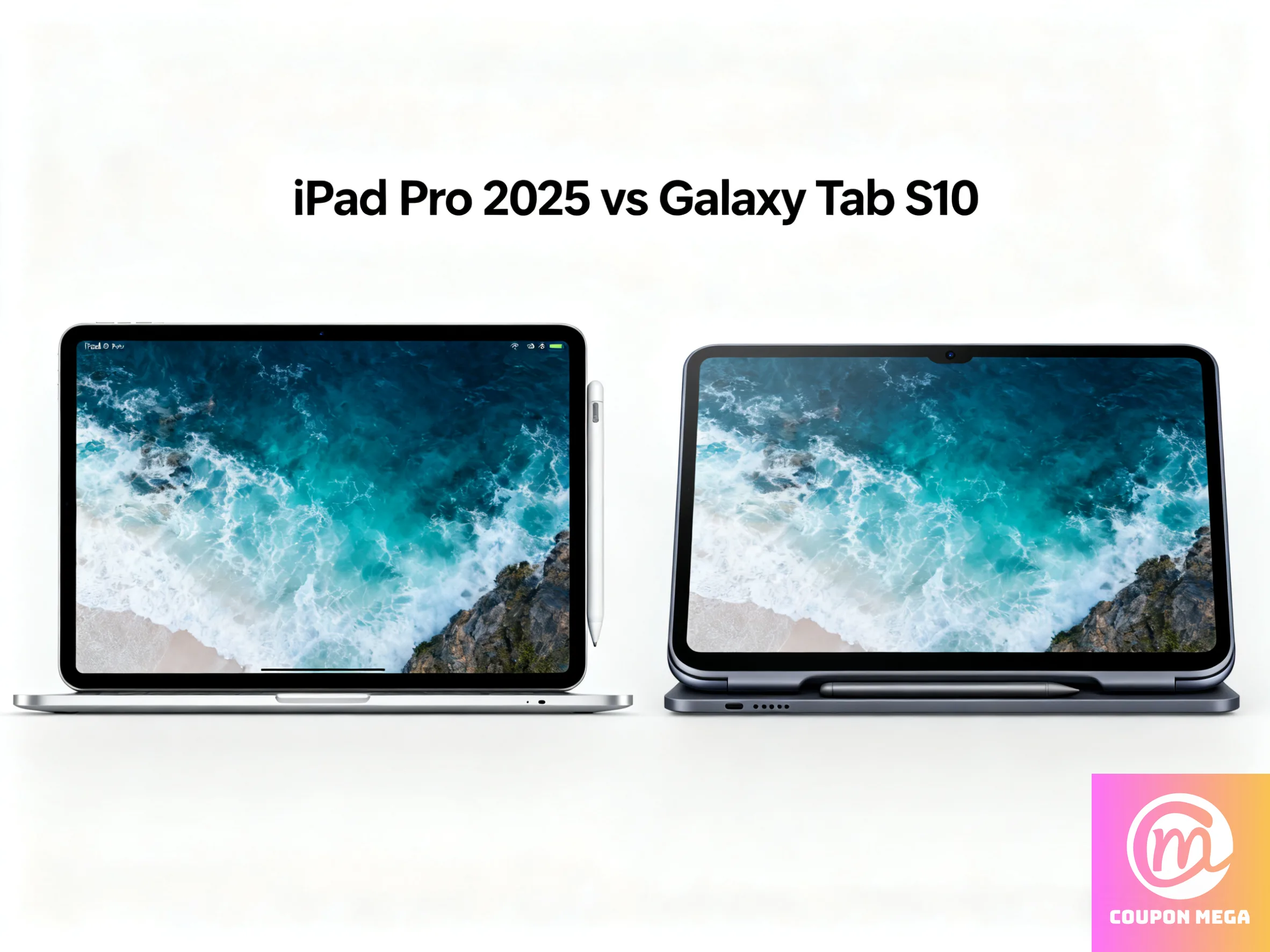
iPad Pro 2025 vs Galaxy Tab S10: Which Premium Tablet Should You Get?
Introduction
If you’re shopping for a high-end tablet in 2025, two of the top contenders are the Apple iPad Pro (M4, 2024-25 model) and the Samsung Galaxy Tab S10 series. Both are loaded with features, but they take different approaches. Whether you care most about raw performance, stylus writing, display quality, or ecosystem, this comparison will help you decide.
Key Specs & Features
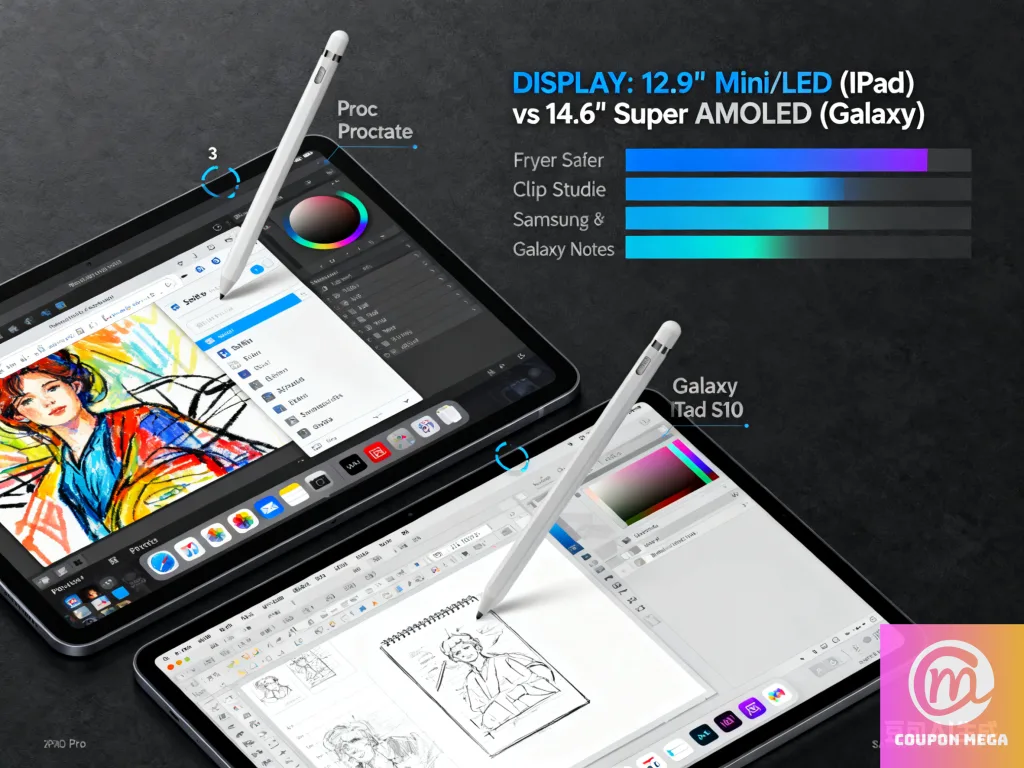
Here are some of the standout specs and capabilities of the Galaxy Tab S10 (S10+ / S10 Ultra) vs the iPad Pro (M4):
| Feature | Samsung Galaxy Tab S10 Series | Apple iPad Pro (M4, 2024-25) |
|---|---|---|
| Display | Dynamic AMOLED 2X, 120Hz refresh, Anti-Reflective coating; sizes: ~12.4″ (S10+) and ~14.6″ (Ultra) | Brand new “tandem OLED” display, Ultra Retina XDR OLED (bright, color-accurate, high contrast) |
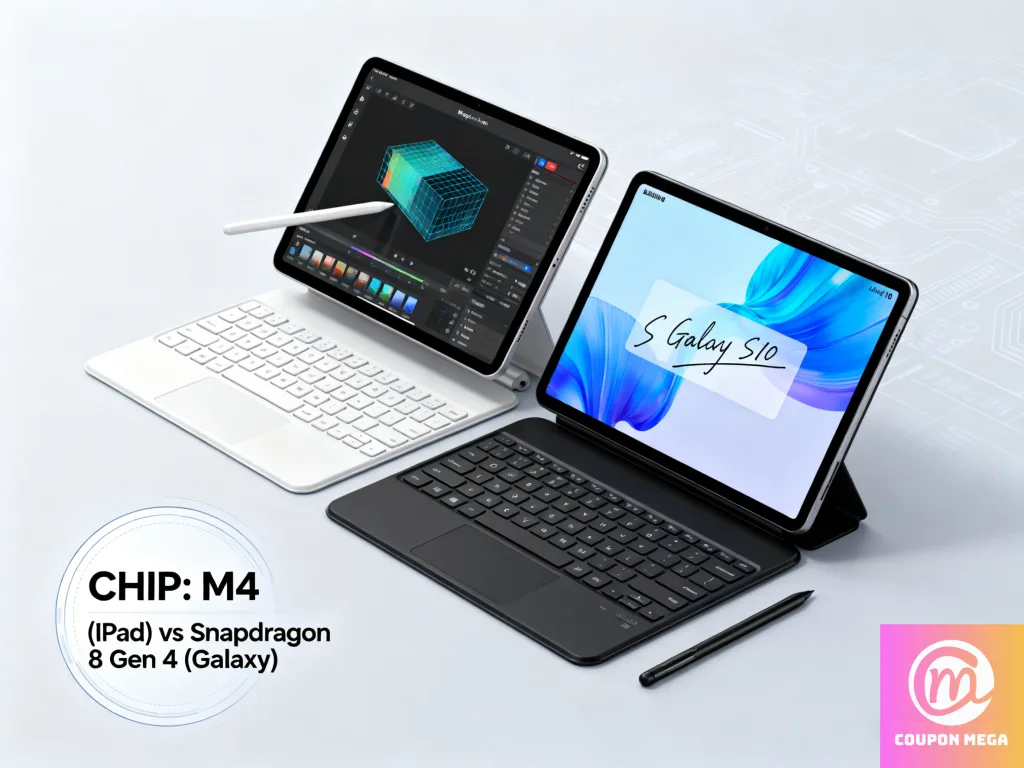
| Processor / Chip | MediaTek Dimensity 9300+ (4nm) for both S10+ and Ultra models; strong in CPU, GPU, and AI tasks for Android tablets | Apple’s M4 chip: high performance, very efficient, good in creative workflows and app optimization under iPadOS |
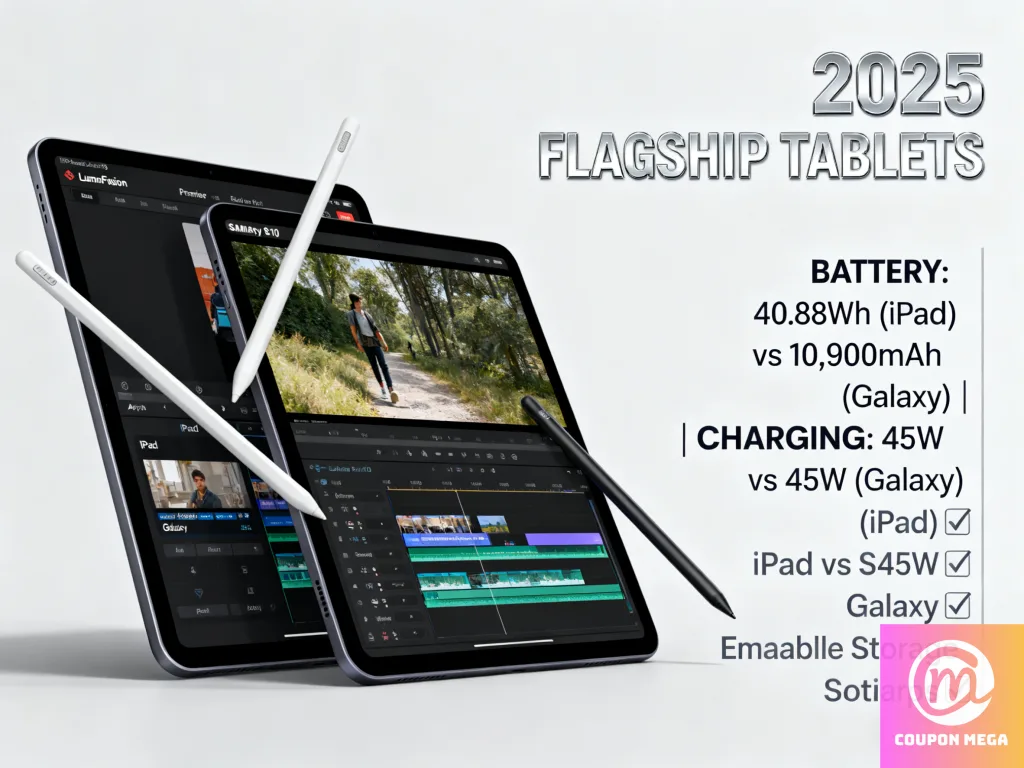
| Battery & Charging | S10 Ultra has ~11,200mAh battery; S10+ around ~10,090mAh. Both support 45W wired charging. | iPad Pro version battery life tends to be a bit lower in capacity (not usually expressed in same large mAh values), but excels in efficiency and usage—especially video, multitasking, graphics. Apple also has fast wireless and optimized power draw. |
| Stylus / Productivity Tools | The Galaxy Tab S10 includes the S Pen in the box; strong support for note-taking, artwork apps (Goodnotes, LumaFusion, Sketchbook), Samsung’s AI tools; microSD slot for storage expansion. | iPad Pro has the Apple Pencil Pro, with great latency, pressure sensitivity, and wide industry support (Procreate, Adobe, etc.). The Apple ecosystem tends to provide more polished apps for creators. Display improvements help with color accuracy, HDR content. |
| Build, Portability & Other Features | IP68 rating, aluminum frame (“Enhanced Armor”), slim design in both sizes; microSD card support; robust connectivity (WiFi, 5G, etc.). | iPad Pro also thin (~5.1-5.3mm depending on size), lighter weight on certain models; strong app update track record; accessories (Magic Keyboard, etc.) well polished. Display bezels rumored to be slimmer. |
Pros & Cons
Here’s how they stack up in strengths and weaknesses:
✅ Galaxy Tab S10 Pros:
- Better battery raw capacity and fast wired charging
- S Pen included, excellent stylus/handwriting tools
- Expandable storage via microSD
- Great display, especially for Android users who want customization or tools tailored to Samsung’s ecosystem
- IP68 rating and water/dust resistance
⚠️ Galaxy Tab S10 Cons:
- Hefty size in Ultra version—less portable, heavier
- Android-tablet apps often less optimized than iPad for professional creative work
- Charging speed good, but wireless charging or accessory support may lag behind Apple in ecosystem polish
✅ iPad Pro (M4) Pros:
- Very high performance, especially for video editing, graphics, AR, creative apps
- Polished software experience + longer software support via Apple
- Apple Pencil Pro & accessories are top-tier in precision & integration
- OLED/tandem OLED display is excellent for HDR, contrast, brightness, color accuracy
- Lightweight build and good in mobile workflows
⚠️ iPad Pro (M4) Cons:
- Price tends to be higher, especially with more storage or higher end accessories
- No expandable microSD storage (you’re limited to built-in storage)
- Fewer physical ports
- Accessories like the Pencil Pro and keyboard often sold separately, adding to full cost
Which Tablet is Best for Whom?
Depending on your use case, one or the other will make more sense:
| Use Case | Best Choice |
|---|---|
| Creative design, illustration, video editing | iPad Pro (M4) |
| Note taking, digital art with included stylus + good Android app flexibility | Galaxy Tab S10 |
| Media consumption, large display streaming, portability with power | Galaxy Tab S10 Ultra |
| Mobility, lighter weight, premium apps | iPad Pro (11-inch version) |
| Want cost-effectiveness in storage + expandable options | Galaxy Tab S10 with microSD |
| Working deeply in Apple ecosystem (Final Cut, iOS apps, iMessage, etc.) | iPad Pro |
Price & Value Consideration
- The Galaxy Tab S10+ starts around $999 (WiFi) for 256GB versions; the Ultra model is higher.
- iPad Pro M4 starts at similar pricing for base models (depending on screen size and storage). Higher storage / accessories can push total cost up significantly.
Because of this, value often depends on what you care most about: raw specs (Samsung) vs polish & ecosystem (Apple).
Final Verdict
If I were you, here’s what I’d choose based on common priorities:
- Want the best possible creative tablet, polished software, long support, excellent accessories → Go with iPad Pro
- Want flexibility, large screen, included stylus, expandable storage, maybe saving on the accessories → Go with Galaxy Tab S10
Both are excellent, so it really boils down to which ecosystem you prefer, how much you care about stylus and creative tools vs specs, and what accessories / workflows you’ll rely on most.
Where to Find Deals & More Details
- Check CouponMega for discounts, coupon codes on both the iPad Pro and Galaxy Tab S10 series.
- See full specs & reviews: Samsung Tab S10 specs on GSMArena GSMArena
- View Apple’s iPad Pro details on Macworld’s specs article Macworld
We write rarely, but only the best content.
