

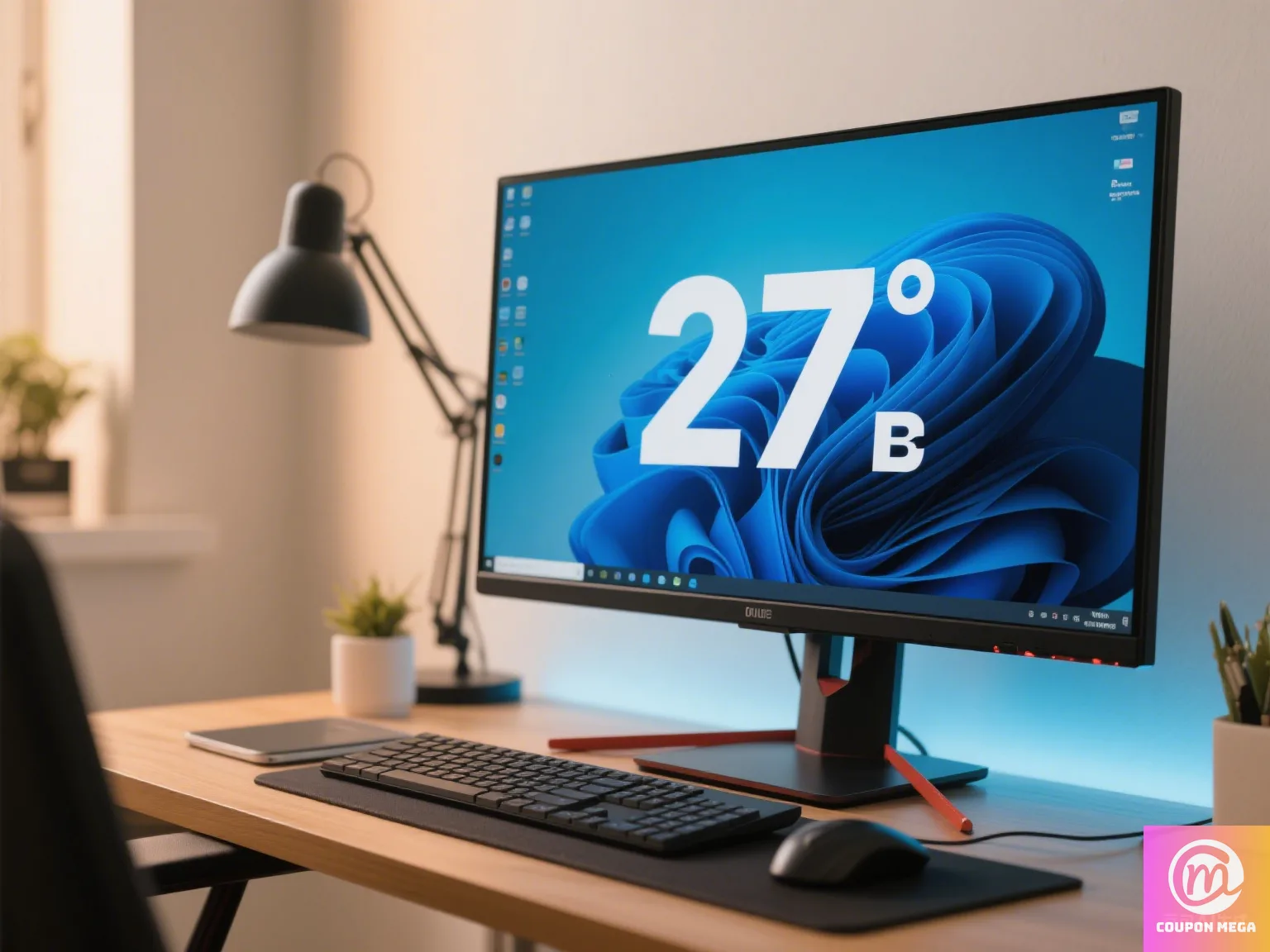
Best 27-inch Budget Monitors for Home Office 2025
Introduction
For many remote workers in 2025, a 27-inch monitor hits the sweet spot between screen real estate and affordability. It’s large enough for multitasking, video conferencing, and detailed work — yet still budget-friendly if you know where to look.
In this guide, we’ll explore the best 27-inch budget monitors for home office setups that deliver excellent resolution, comfort, and performance without a premium price tag.

1. Dell S2721HS — Best All-Rounder
- Price: ~$229
- Resolution: 1080p Full HD
- Panel Type: IPS
- Key Features:
- Sleek, modern design with slim bezels
- Fully adjustable stand for ergonomic comfort
- AMD FreeSync for smoother visuals
- Why We Recommend It: Perfect for general office work, web browsing, and occasional streaming.
2. AOC Q27P2Q — Best 1440p Option Under $250
- Price: ~$249
- Resolution: 2560×1440 QHD
- Panel Type: IPS
- Key Features:
- Crisp 1440p resolution for sharper text and images
- Excellent color accuracy for creative work
- Height, tilt, swivel, and pivot adjustments
- Why We Recommend It: Great for multitasking and professionals who need better resolution.
3. LG 27QN600-B — Best Eye-Care Monitor
- Price: ~$239
- Resolution: 2560×1440 QHD
- Panel Type: IPS with HDR10
- Key Features:
- Reader Mode and Flicker Safe technology
- HDR support for vibrant visuals
- Virtually borderless design
- Why We Recommend It: Ideal for users who spend 8+ hours in front of a screen.

4. Samsung LS27C310EAUXEN — Best Budget Curved Option
- Price: ~$199
- Resolution: 1080p Full HD
- Panel Type: VA
- Key Features:
- Gentle 1000R curve for immersive viewing
- High contrast ratio for deep blacks
- Sleek and minimalist build
- Why We Recommend It: Comfortable for long reading sessions and wide spreadsheets.
5. HP 27mq — Best Large Display for Crisp Text
- Price: ~$239
- Resolution: 2560×1440 QHD
- Panel Type: IPS
- Key Features:
- Excellent text clarity for document-heavy work
- Energy-efficient design
- Adjustable stand
- Why We Recommend It: Great balance of size, clarity, and price.
Buying Guide: Choosing the Right 27-Inch Budget Monitor
When picking a 27-inch monitor for your home office, consider:
- Resolution: 1440p is ideal for sharper images, but 1080p is fine for basic use.
- Ergonomics: Adjustable stands help prevent neck and back pain.
- Panel Type: IPS for color accuracy, VA for deep contrast.
- Eye Comfort: Look for low blue light and flicker-free features.
- Ports: HDMI, DisplayPort, or USB-C for flexible connectivity.
Where to Buy & Save More
- Internal link: Browse our tech deals section for current discounts.
- External link: Compare deals on Amazon or Best Buy.

Conclusion
The best 27-inch budget monitors for home office in 2025 prove you don’t have to overspend for a spacious, sharp display. Whether you choose the all-rounder Dell S2721HS or the high-resolution AOC Q27P2Q, you can enjoy an ergonomic, productivity-boosting setup at home.
For even more savings, check CouponMega for verified monitor coupons and seasonal sale alerts.
We write rarely, but only the best content.
