

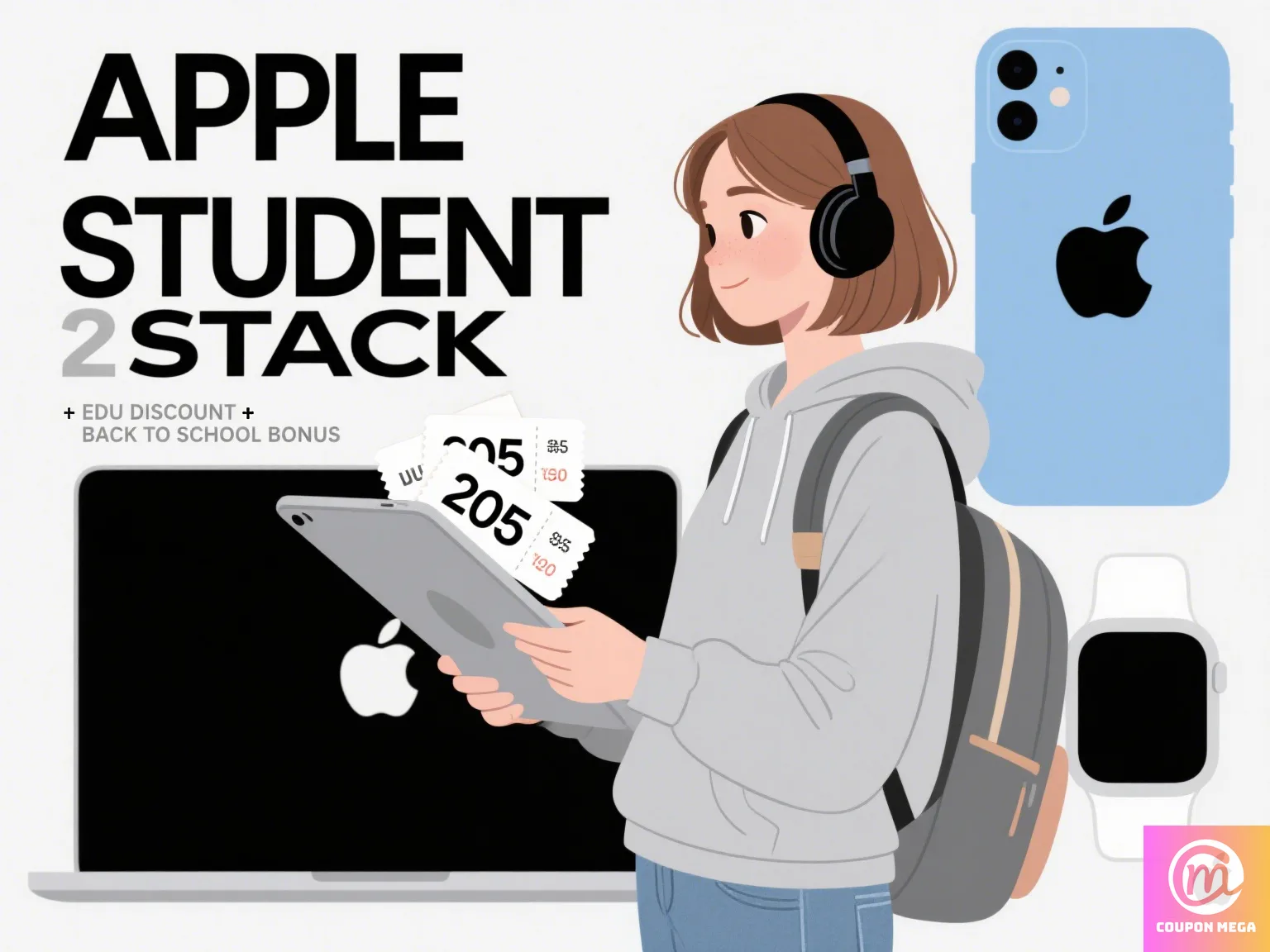
🎓 Apple Student Discount Stacking Guide 2025
Back to school doesn’t have to mean back to overspending—especially when you’re shopping Apple. Whether you need a new MacBook, iPad, or AirPods for class, there are smarter ways to save using Apple’s student pricing.
In this 2025 Apple student discount stacking guide, we’ll show you exactly how to stack official education pricing with other verified discounts, bonus bundles, and cashback rewards.

🎒 What is Apple’s Student Discount Program?
Apple’s Education Store offers exclusive pricing for:
- College students
- Parents buying for students
- Faculty, staff, and homeschool teachers
Discounts typically include:
- $100+ off MacBooks and iPads
- Free AirPods with select purchases
- 20% off AppleCare+
But here’s the secret: you can stack those deals with more savings, if you know how.

🧠 Step-by-Step: How to Stack Apple Student Discounts in 2025
✅ 1. Start with Apple’s Education Store
Always begin at the Apple Education Page. You’ll get instant access to academic pricing just by verifying through UNiDAYS or your institution email.
✅ 2. Use Trade-In Credit
Trade in an old iPad, iPhone, or Mac for up to $800 off. Apple’s trade-in tool provides an instant quote, and the credit stacks with student pricing.
Check your device eligibility: Apple Trade-In Tool
✅ 3. Apply Verified Coupons (Where Allowed)
While Apple doesn’t accept coupon codes directly, authorized retailers do, including:
- Best Buy Apple Student Deals
- B&H Photo Apple Education Discounts
- Adorama Apple Back to School Offers
You can use education pricing and apply store coupons together for bonus savings.
✅ 4. Stack With Cashback Sites
Before buying, activate cashback through trusted platforms:
Some offer 2–10% cashback on Apple products purchased through affiliate links.
✅ 5. Pay with Student Credit Cards
Cards like Discover Student Cash Back or Apple Card offer:
- Extra 3%–5% back
- Zero-interest payment plans
- Bonus offers when buying Apple products
🧾 Example Stacking Scenario
Let’s say you’re buying a MacBook Air M3 (2025):
- Retail price: $1,199
- Apple student discount: -$100
- Trade-in old MacBook Air (2019): -$300
- Buy from Best Buy with student deal & coupon: -$50
- Cashback through Rakuten: -$30
- Apple Card cashback: -$24
Total savings: $504 — final cost: $695
🚫 Common Mistakes to Avoid
- Skipping trade-in because it “takes time”
- Forgetting to verify student status on UNiDAYS
- Buying directly from Apple without comparing third-party deals
- Not using cashback extensions during checkout
📲 Bonus Tip: Sign Up for Deal Alerts
Subscribe to CouponMega.com to get:
- Verified Apple coupon updates
- Education pricing reminders
- Limited-time stacking hacks
Stay ahead of the next student tech rush by turning alerts ON.

🏁 Final Thoughts
In 2025, Apple’s student program is more stackable than ever. By combining official academic pricing, trade-in credits, and retailer-exclusive coupons, you can walk away with a high-end device—without the high-end price.
Visit CouponMega now for Apple coupon updates and stacking strategies, or follow us on:
- TikTok: @couponmega
- YouTube: CouponMega Channel
- Facebook: CouponMega FB
We write rarely, but only the best content.
