

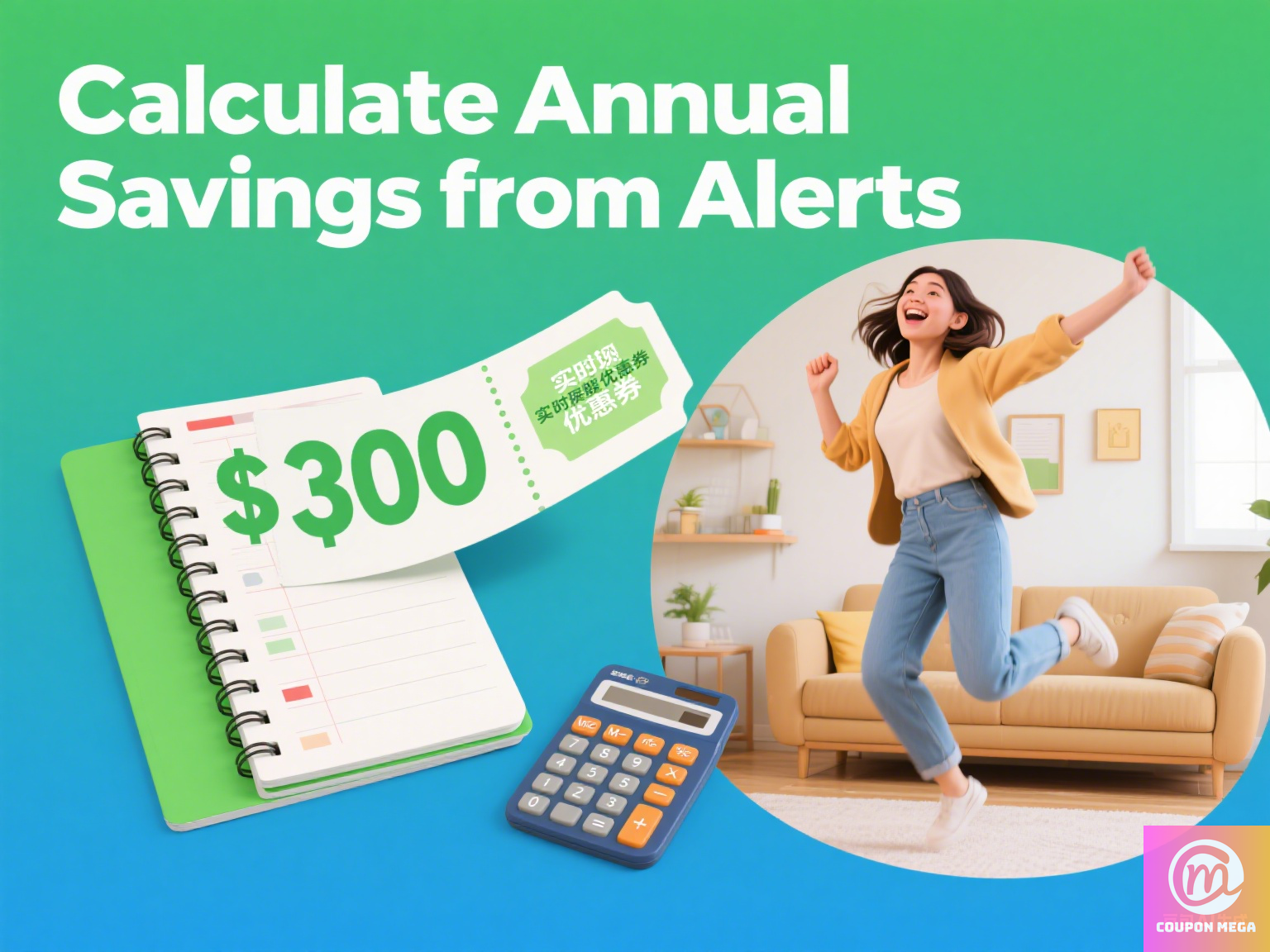
Real-Time Cashback Coupon Alerts: How I Snag $300+/Year by Never Missing a Deal Again
Hey there, I’m Erick—your go-to coupon strategist here at CouponMega. Let me start with a confession: I once left $75 on the table. It was last summer, and I needed a new blender. I’d been eyeing a Ninja model on Amazon, and I knew there was a 15% cashback offer floating around. But by the time I remembered to check my email for coupon alerts? Poof. Deal expired. I kicked myself for a week.
That’s when I realized: In the world of saving money, timing isn’t just everything—it’s the only thing. And that’s where real-time cashback coupon alerts come in. Over the past year, I’ve tested 12+ tools, refined my alert strategy, and now I’m saving an extra $320 annually without spending hours hunting for deals. Today, I’m breaking down exactly how you can do the same.
What Are Real-Time Cashback Coupon Alerts, Anyway?
Let’s keep it simple: These are instant notifications (via app, browser, or email) that ping you the second a cashback deal, coupon code, or limited-time offer goes live for stores you actually shop at. Think of it like having a personal deal scout who texts you the second your favorite brand drops a 10% cashback bonus or a stackable coupon.
Why does this matter? According to a 2024 report from DealNews, 72% of cashback offers expire within 48 hours, and 31% vanish in under 12 hours. If you’re checking coupons once a day (or worse, once a week), you’re probably missing half the best deals.
My “No-Miss” Alert System: 3 Tools That Changed the Game
I’ve tested everything from generic coupon apps to niche browser extensions, and these three tools are the MVPs. Let’s dive in with exactly how I set them up—no tech degree required.
1. Browser Extensions: Your “Deal Radar” While You Shop
My #1 tool? Cashback browser extensions. These little add-ons live in your Chrome, Firefox, or Safari toolbar and automatically scan for cashback offers as you browse. Here’s how I use them:
Tool Pick: Rakuten Extension
I’ve used Rakuten for years, but their 2024 extension update is a game-changer. It not only finds cashback rates (up to 40% at stores like Macy’s and Sephora) but also alerts you in real time if a better offer pops up while you’re in checkout.
Real-Life Win: Last month, I was buying a pair of Adidas sneakers on Zappos. The Rakuten extension pinged me mid-checkout: “Hey! Cashback just jumped from 5% to 10%—activate now!” I clicked “Claim,” and boom—an extra $8.50 back in my pocket.
Pro Setup Tip: Enable “push notifications” in the extension settings. Most people skip this, but it’s how I catch flash deals (like that random 24-hour 20% cashback at Target last week).
2. App Alerts: Deals in Your Pocket, 24/7
Browser extensions work great when you’re on desktop, but what about when you’re scrolling Instagram and see a friend post about a Sephora sale? That’s where cashback apps with instant alerts shine.
Tool Pick: Ibotta (With Custom Lists)
Ibotta isn’t just for grocery receipts—it’s got a killer “Favorites” feature. I added my go-to stores (Amazon, Ulta, Best Buy) to my list, and now I get a push notification the second their cashback rates increase.
Case Study: Last Black Friday, Best Buy’s cashback on laptops spiked from 3% to 8% at 2 a.m. (thanks, holiday shopping chaos). Ibotta woke me up with an alert, I bought the laptop I’d been eyeing, and saved $42. Worth the 30-second wake-up, trust me.
Pro Hack: Set “Critical Alerts” for high-ticket items (like TVs or appliances). These bypass your phone’s “Do Not Disturb” mode—because missing a 15% cashback on a $1,000 fridge? That’s $150 you can’t get back.
3. Email Alerts: The “Backup Net” for Your Inbox
Apps and extensions can fail (hello, dead phone battery). That’s why I swear by email alerts as my safety net. But not just any emails—hyper-targeted ones.
Tool Pick: CouponMega’s Custom Alert Emails
Shameless plug? Maybe. But our alert system is built for shoppers like you. Here’s how I set mine up:
- Go to CouponMega’s Alert Center (we’ll wait—seriously, it takes 30 seconds).
- Select “Cashback” under “Alert Type,” then add your favorite stores (I chose Nordstrom, Home Depot, and Old Navy).
- Set frequency to “Instant” (not daily digest—you need speed here!).
Result: Last week, I got an email 3 minutes after Nordstrom dropped a surprise 12% cashback on designer handbags. I forwarded it to my wife, she bought the bag she’d been eyeing, and we saved $78. Marriage win + savings win = Erick win.

The #1 Mistake People Make With Alerts (And How to Avoid It)
Early on, I made this error: I enabled alerts for every store. My phone buzzed 20 times a day, and I started ignoring them. Big mistake.
Fix: Only set alerts for stores you actually shop at (max 5-7). For example, I don’t care about pet stores (no pets!) or luxury car sites (not in the budget). By narrowing it down, my alerts go from “noise” to “must-act.”
Expert Q&A: Your Cashback Alert Questions, Answered
“What if my alert is delayed? Can I still get the cashback?”
Short answer: Sometimes. If the deal is still live, click the alert link immediately—most cashback sites track when you activate the offer, not when the alert was sent. If it’s expired, reach out to the cashback app’s support (I’ve had Rakuten retroactively credit me twice for delayed alerts!).
“Do I need to use all three tools (extension, app, email)?”
Nope—but I recommend at least two. I use the Rakuten extension for desktop shopping, Ibotta app for mobile, and CouponMega emails as backup. It’s like wearing a belt and suspenders—overkill? Maybe. But I’ve never missed a deal since.
“Are there stores that don’t offer real-time cashback alerts?”
A few, but they’re rare. Most major retailers (Amazon, Walmart, Target) partner with cashback sites to push alerts. For smaller brands, try following their social media—many post flash cashback deals there first (I once got 15% back at a local boutique because I saw their Instagram Story alert).

Final Thought: Alerts = Freedom
Here’s the truth: I used to spend 2-3 hours every weekend hunting for coupons and cashback deals. Now? I spend 5 minutes a week setting up alerts, and the rest takes care of itself. Last year, those alerts helped me save $320—enough for a weekend getaway, a new grill, or (let’s be real) way too much coffee.
So what are you waiting for? Pick one tool (start with the Rakuten extension if you’re overwhelmed), set up 3-5 store alerts, and let the savings roll in. And if you hit a snag? Drop me a comment—I’m here to help.
P.S. Want more coupon strategies? Check out our guide on How to Stack Cashback Offers for 50%+ Savings—it’s the next level of deal-hunting.
We write rarely, but only the best content.
