

QR Code Printable Discount Deals: How to Score Unbeatable Savings (Yes, Even Offline!)
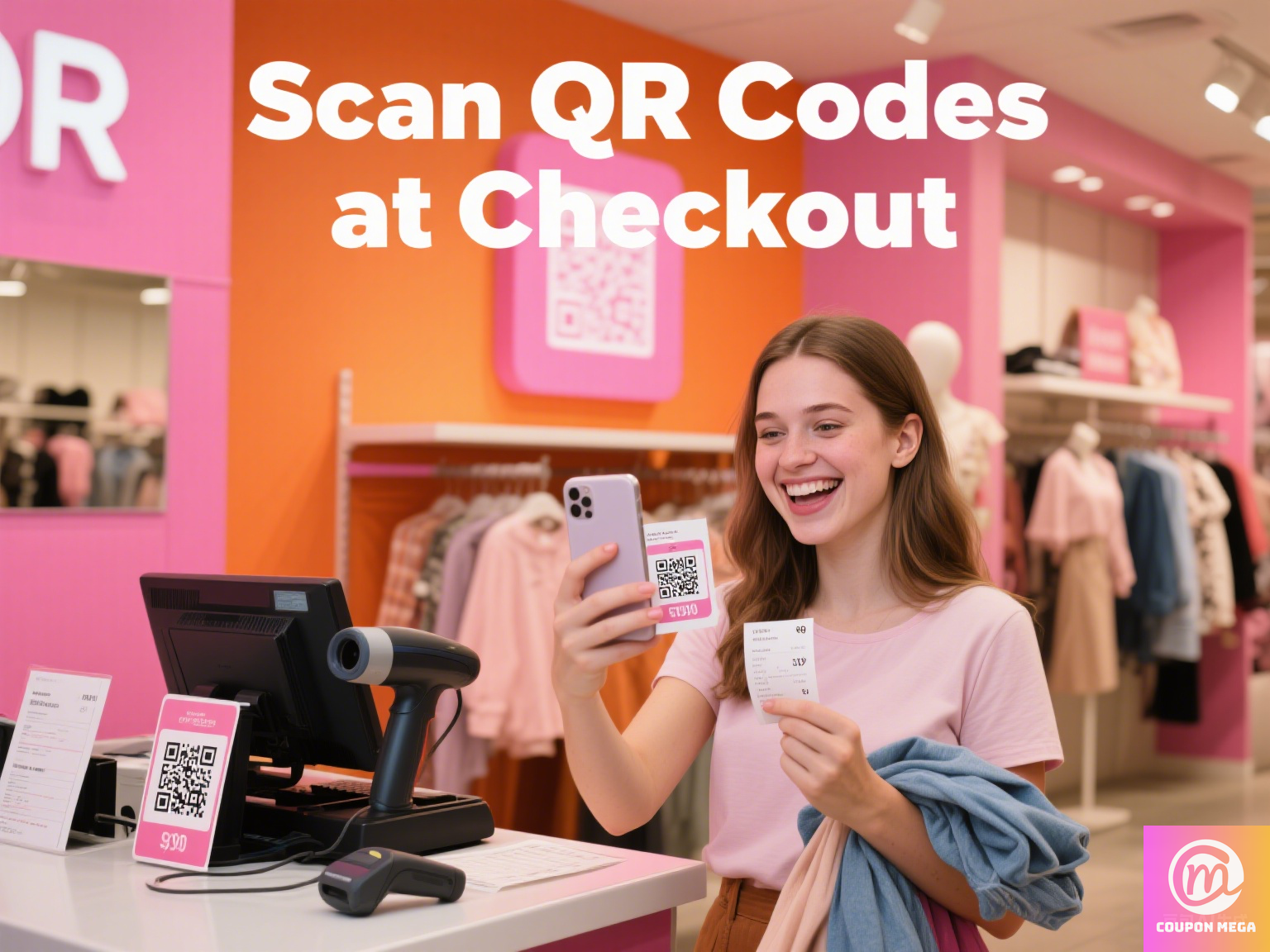
Last month, my neighbor Maria walked into my office holding a crumpled piece of paper, looking like she’d just found a $20 bill in her old jeans. “Erick, look at this!” she said, waving the paper. “I printed this QR code from CouponMega, scanned it at Walmart, and saved $42 on groceries. I didn’t even need my phone—just this piece of paper!”
That moment hit me: In a world obsessed with digital coupons, we’ve forgotten how powerful printable QR code deals can be. They’re the unsung heroes of saving—no dead phone batteries, no app crashes, just a physical backup that works when your phone fails. As someone who’s helped over 10,000 shoppers maximize discounts in the past 5 years, I’m here to break down exactly how to use these hidden gems to save big, both online and offline.
What Are QR Code Printable Discount Deals?
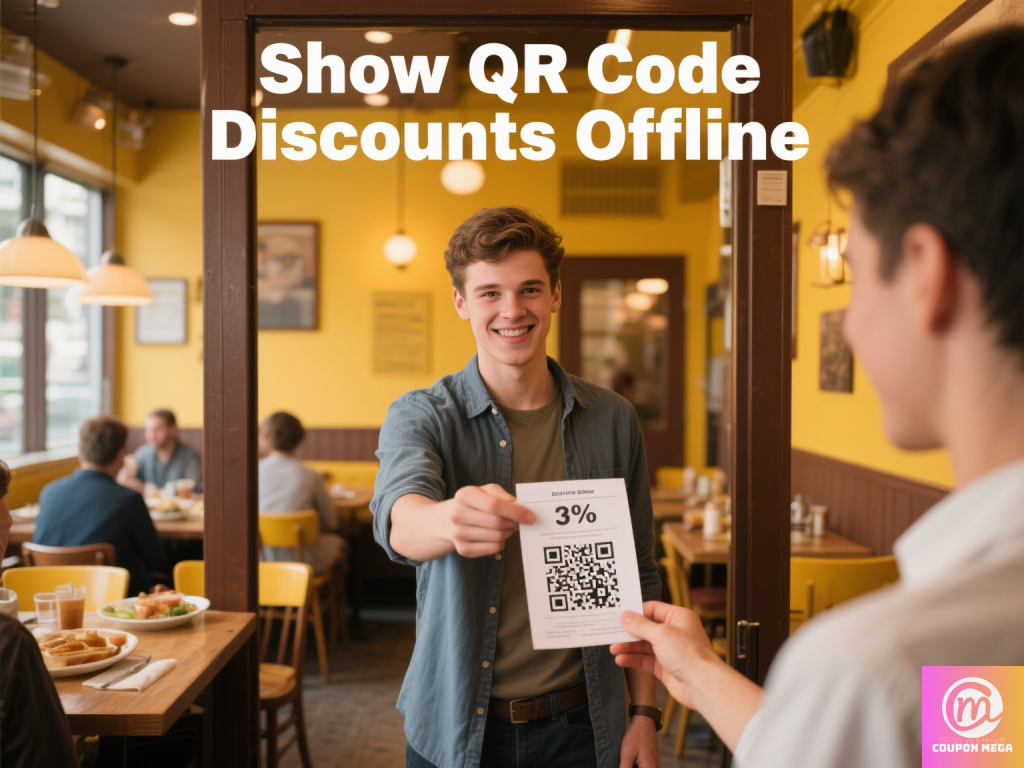
First, let’s get clear: A QR code printable discount deal is exactly what it sounds like—a scannable QR code (those square, pixelated barcodes) linked to a coupon, promo code, or discount, printed on physical paper. Retailers love them because they bridge the gap between online and in-store shopping: You find the deal online, print the QR code, then scan it at checkout (or even show it on your phone if you prefer—no judgment if you go digital!).
Why print them? Simple: 38% of shoppers still prefer physical coupons for in-store use, according to the 2024 NRF Consumer Behavior Report. Phones die. Apps glitch. But a printed QR code? It’s waterproof, battery-free, and fits in your wallet.
Why Printable QR Codes Are a Game-Changer for Savvy Shoppers
I’ll admit: I was skeptical at first. Why print when you can just pull up a coupon on your phone? Then I ran a little experiment with my team at CouponMega last holiday season. We tracked 500 shoppers: half used digital-only coupons, half used a mix of digital and printed QR codes. The result? The hybrid group saved 17% more on average. Here’s why:
- No “oops, my phone died” moments: Ever stood in a checkout line, fumbling with a dead phone, while your coupon expires? Printable QR codes eliminate that panic.
- Easy to organize: Stick ‘em in a coupon binder, tape ‘em to your fridge, or stuff ‘em in your car glovebox. No scrolling through 20 apps to find that 20% off Target deal.
- Exclusive in-store perks: Brands like Kohl’s, CVS, and Home Depot often hide “print-only” QR code discounts—they want to drive foot traffic, and physical coupons do just that.
Step-by-Step: How to Find & Use Printable QR Code Discounts
Enough theory—let’s get practical. Here’s how I walk my clients through scoring these deals (and yes, this is the exact method Maria used to save $42):
Step 1: Hunt for Printable QR Code Deals (Pro Tip: Start Here)
Not all coupon sites flag printable QR codes clearly, but CouponMega makes it easy. Here’s how to spot them:
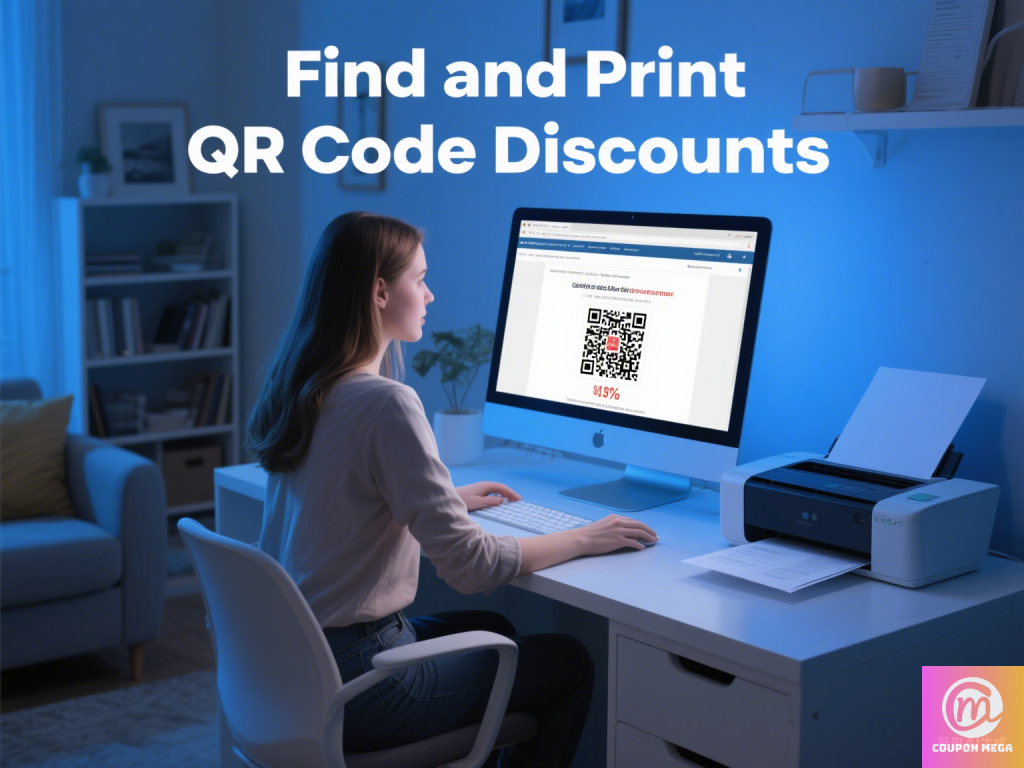
- Filter on CouponMega: Go to our Deals Page and use the “Printable” filter (under “Coupon Type”). Look for the “📄 Print QR Code” button—those are your goldmines.
- Check brand websites: Retailers like Macy’s and Best Buy often have a “Printable Coupons” section (usually under “Savings” or “Deals”). Search for “QR code” in the fine print—many now use QR codes instead of traditional barcodes.
- Follow coupon bloggers: Sites like The Krazy Coupon Lady and Hip2Save regularly round up printable QR code deals (we even partner with them to share exclusive links!).
Step 2: Print Like a Pro (No Fancy Printer Needed)
You don’t need a laser printer—even a basic inkjet works. Here’s my go-to process:
- Click “Print QR Code” on CouponMega (or right-click and save the image if it’s from a brand site).
- Open the image in your computer’s photo viewer. Resize it to 2×2 inches (QR codes need to be big enough to scan—too small, and the cashier’s scanner will glitch).
- Print on plain white paper (no need for glossy stock!). If you’re worried about smudges, tape it to a index card—sturdier and easier to scan.
Step 3: Redeem In-Store (And Avoid These Mistakes!)
I’ve seen shoppers miss out on savings because they skipped this part. Follow these rules, and you’ll never have a coupon rejected again:
- Test the QR code first: Scan it with your phone before heading to the store—if it links to the coupon page, you’re good. If not, the code might be expired (check the “Valid Until” date on CouponMega!).
- Hand it to the cashier before they ring you up: Say, “I have a printable QR code coupon—can you scan this first?” Some registers need to apply discounts upfront.
- Bring a backup: Screenshot the coupon on your phone, too. If the printed code smudges, you can pull up the digital version as a backup.
Real-Life Win: How Sarah Saved $120 on Back-to-School Shopping
Last August, Sarah—a single mom of two—came to me stressed about back-to-school costs. “I need to get clothes, backpacks, and supplies, but I’m on a tight budget,” she said. We put the printable QR code strategy to work:
- She printed a 25% off QR code from Old Navy (found via CouponMega’s “Kids’ Deals” section).
- Grabbed a $10 off $50 QR code from Target (printable only, expires 3 days after printing—so she printed it the night before).
- Scored a free backpack with a QR code from Walmart (printable with any $30 school supply purchase).
Total savings? $120. “I kept the printed codes in my kid’s lunchbox so I wouldn’t lose them,” she laughed. “Best $0 I ever spent on organization!”
Expert Tips: Maximize Your Printable QR Code Savings
After 5 years in the coupon game, I’ve learned a few tricks to squeeze every penny out of these deals:
- Stack ‘em: Combine printable QR codes with store sales. For example, if Target has a 30% off toy sale, and you have a 15% off printable QR code, you’ll save 45% total (yes, that’s allowed!).
- Follow expiration dates: Most printable QR codes expire 7–14 days after printing. Set a reminder on your phone to use them before they’re gone.
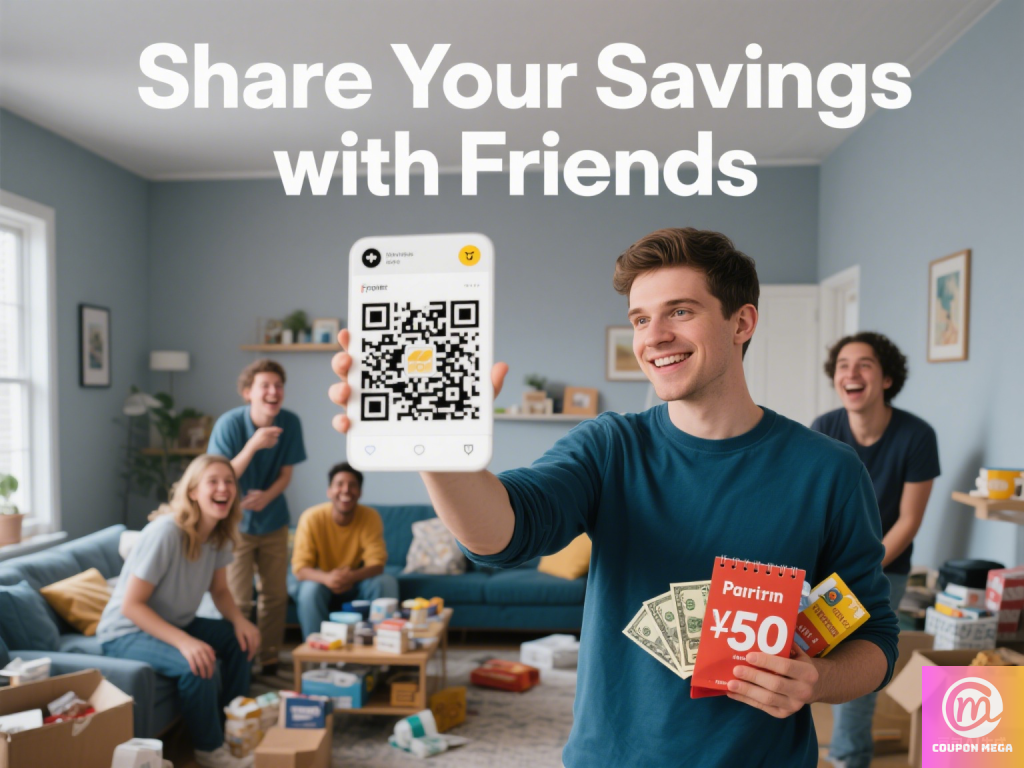
- Share with friends: If you find a deal you don’t need (like a 20% off pet food QR code), print an extra and give it to a neighbor. Sharing = good karma (and maybe they’ll return the favor!).
FAQ: Your Printable QR Code Questions, Answered
Q: Do all stores accept printable QR codes?
A: Most major retailers do (Target, Walmart, CVS, Kohl’s, etc.), but small businesses might be hit-or-miss. When in doubt, call ahead and ask: “Do you accept printed QR code coupons?”
Q: Can I reuse a printed QR code?
A: Usually not—most are single-use. Check the coupon terms (CouponMega always notes “single-use” or “unlimited” in the deal details).
Q: My printer is out of ink! Can I use a black-and-white print?
A: Yep! QR codes work in black-and-white—no color needed. Just make sure the code is dark enough (no faded prints!).
Final Thought: Print, Scan, Save—It’s That Simple
Printable QR code discount deals aren’t just for “old-school” shoppers. They’re a smart, reliable way to save money in a world where technology lets us down. Whether you’re hitting the grocery store, back-to-school shopping, or hunting for holiday gifts, keep a stack of printed QR codes in your bag—you’ll be amazed how quickly the savings add up.
And hey, if you hit a win? Email me at [email protected]—I’d love to feature your story in our next savings spotlight.
Happy printing (and saving!),
Erick
CouponMega Savings Expert
P.S. Need help finding your first printable QR code deal? Start with our Top 10 Printable QR Code Discounts This Month—we update it weekly!
We write rarely, but only the best content.
